
Stop losing customers to fake listing changes. Monitor, detect, and reverse unauthorized edits—including “Permanently Closed,” wrong phone numbers, and address changes—before they hurt rankings or trust.
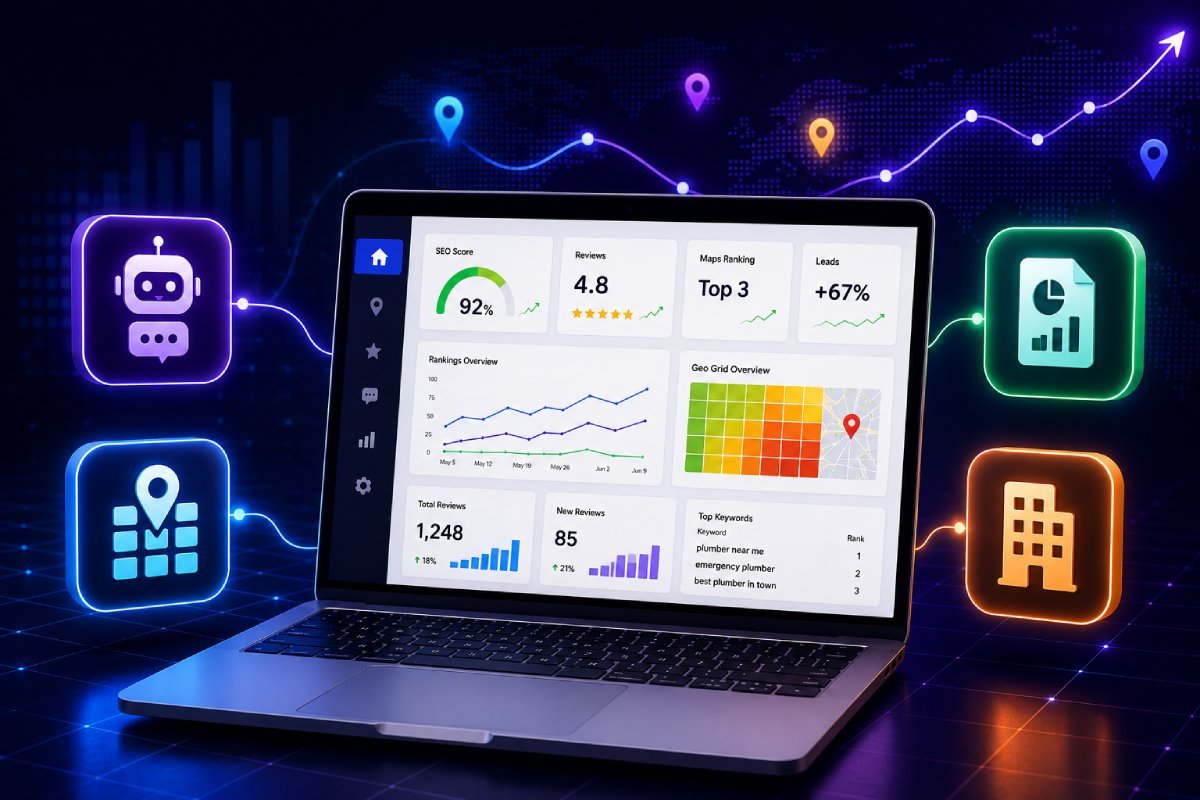
Millions of edits are made on Google Maps every year. Many affect critical details such as name, address, phone number, and operating hours. Maintaining accurate, consistent information is essential for local SEO success.
Lost customer calls
Reduced foot traffic
Lower search rankings
Decreased trust and credibility
Connect your Google Business Profile and enable protection from your dashboard. Setup takes less than a minute.
Our system monitors your listing 24/7 for business name edits, address changes, phone number updates, and “Permanently Closed” status.
If an unauthorized change is detected, the system reviews and reverses it to maintain your correct business information.
Track every change made to your business profile instantly.
Unauthorized edits are detected and corrected without manual effort.
Ensure your Name, Address, and Phone Number remain consistent across search results.
Prevent ranking drops caused by incorrect or manipulated business data.
Manage and protect multiple business listings from a single dashboard.
Once activated, protection runs continuously in the background without requiring your attention.
Using this protection tool helps you:
Maintain accurate business information at all times
Avoid losing customers due to incorrect details
Protect your local search rankings
Improve customer trust and credibility
Save time by eliminating manual monitoring
If your business depends on local visibility, protecting your listing is essential. This solution is ideal for:
Local business owners
Digital marketing agencies
SEO professionals
Multi-location businesses
Service-based companies
Even short-term inaccuracies can lead to long-term losses.
Unauthorized edits may remain live for hours or days
Customers may see incorrect contact details
Your business may appear closed when it is not
Competitors may gain an advantage in local rankings
Accurate business information is a core local ranking factor. This tool acts as a foundational layer of protection for your entire local marketing effort by:
Maintaining consistent business data
Supporting higher rankings in local search
Improving visibility on Google Maps
Enhancing user trust signals
Link your listing in one step from your dashboard.
Turn on monitoring and automatic reversal instantly.
Stay visible, accurate, and competitive—without manual monitoring.
The Listing Management module serves as a centralized command center to create, verify, manage, protect, and synchronize essential business information across supported search directories and business listing networks from one platform.
Profile Protection is an automated monitoring feature designed to help protect your business profile information by monitoring listing changes and identifying potentially unauthorized or unwanted updates to your business data.
If an incorrect permanently closed status or similar change is suggested for your business location, the tool can monitor the change and help identify and address the issue so that your business information remains accurate and up to date.
Yes. The platform supports centralized business information management, allowing users to update business hours and other listing information across multiple locations through bulk management workflows, subject to supported integrations and network capabilities.
NAP consistency means keeping your business Name, Address, and Phone number accurate and consistent across online directories and business listings. Consistent information helps search engines and customers correctly identify and trust your business information.
Accurate business information across relevant third-party directories can help maintain consistent local business data and improve the overall strength of your online presence. Directory consistency is one of several factors that may contribute to local search visibility.
The platform can monitor supported profile information and help identify unexpected changes. When a change is detected, users can review the modification and take appropriate action to maintain accurate and verified business information.
Yes. The platform is designed to support professional workflows for agencies and brands, allowing organizations to manage access and permissions for employees, account managers, and clients based on available user role and account management settings.
The platform provides profile management workflows and optimization guidance designed to help users identify potentially risky profile changes, inaccurate information, and common optimization issues that could create problems with business profile compliance.
Yes. The dashboard provides tools to manage business listings, update business information, correct listing details, and optimize supported business profiles without requiring users to manage every listing separately.
Google Business Profile attributes provide additional information about a business, such as accessibility options, payment methods, services, or other operational details. Where supported by the platform and the connected profile, users can manage available business attributes to provide customers with more useful information.
For businesses operating multiple locations or offices in close proximity, the platform helps manage structured business information and location data to reduce inconsistencies and potential conflicts between business listings.
Yes. The platform is designed to centralize local business and listing management, allowing users to manage multiple business locations from a single dashboard instead of switching between separate accounts for routine listing management tasks.
Yes. The platform provides setup guidance and workflows to help businesses prepare and manage new business listings and navigate the verification process for supported platforms. Final verification is controlled by the relevant platform, such as Google or Meta.
If an address update remains pending, check for formatting inconsistencies, conflicting business information, category or profile issues, and verification requirements. LocalSeoTool.in can help identify potential listing and data issues and provide guidance for resolving them through the appropriate platform.
Connect your profile, activate protection in one click, and let our system monitor and reverse unauthorized changes automatically.